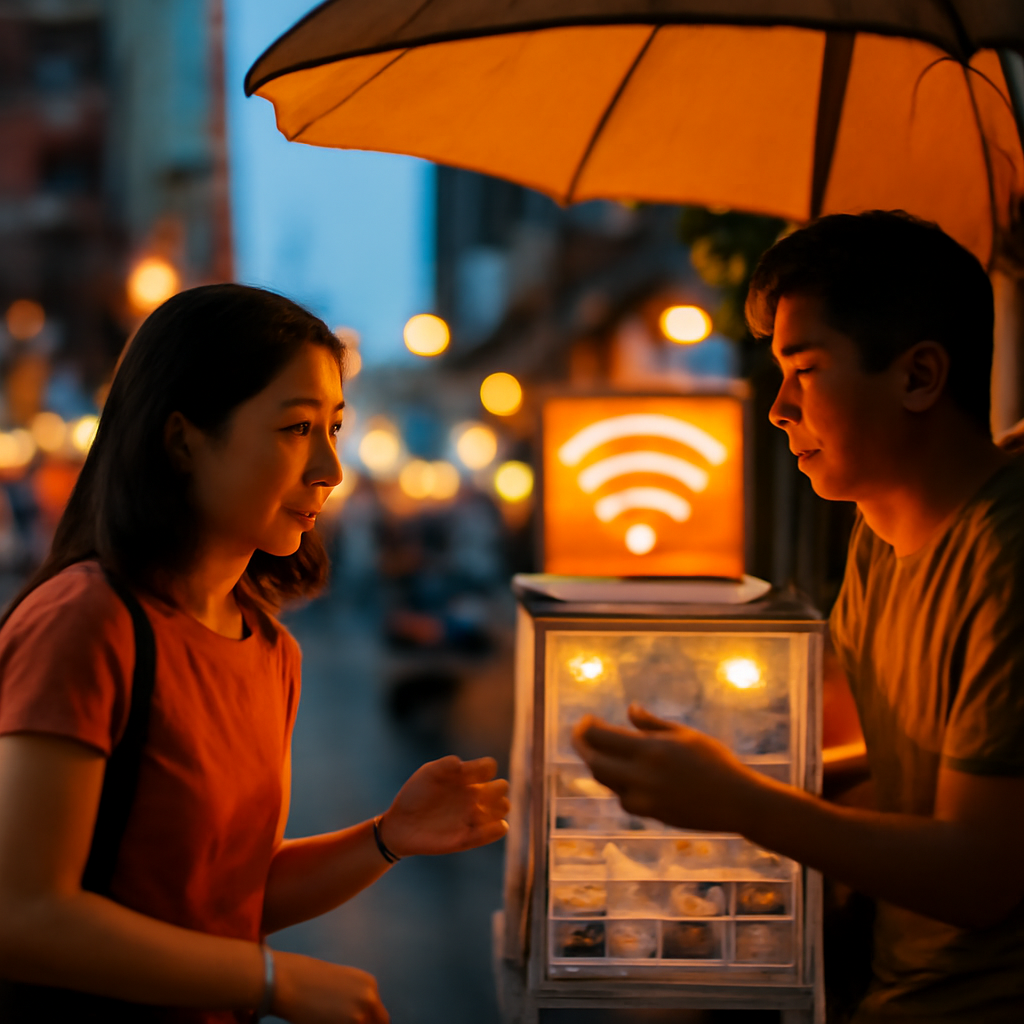
Hey there, fellow travelers! If you're wandering the buzzing streets of Khaosan Road, you know that staying connected is as essential as a cold Chang beer on a hot day. Whether you're snapping selfies at the Wat Chana Songkhram temple or haggling for souvenirs, a reliable SIM card or solid WiFi can make or break your trip. As a local Bangkok insider, I'm spilling the beans on getting hooked up without the headache. Forget those overpriced airport deals – I'll show you where to score the best bang for your baht right here on Khaosan. Let's dive in, shall we?
Why You Need to Get Connected on Khaosan Road
Khaosan Road isn't just about street food and full-moon parties; it's a hub for digital nomads and backpackers needing to stay in touch. Roaming charges from home can hit your wallet harder than a Thai kickboxer, so grabbing a local SIM is a no-brainer. Plus, with spotty free WiFi around, you'll want something dependable for Grab rides or checking out nearby spots like the Grand Palace. In this guide, we'll cover everything from picking the right provider to finding WiFi cafes that won't drain your battery – all with that real-deal Bangkok flavor.
Top SIM Card Options on Khaosan Road
First things first: head to one of the many convenience stores or booths along Khaosan for quick SIM setups. AIS, DTAC, and TrueMove H are the big players here, and they're all solid for tourists. Prices start as low as 50 THB for a basic SIM, but you'll want a data plan to keep you scrolling. As a local tip, avoid peak hours around 5 PM when the road gets jammed with farangs like you – lines at 7-Eleven can be a nightmare.
AIS: The Tourist Favorite
AIS is like the king of coverage in Bangkok, especially around Khaosan. Pop into the AIS shop near the McDonald's on Khaosan Road – it's just a two-minute walk from the main drag. They offer a Tourist SIM for 299 THB, which includes 15GB of data, unlimited calls, and it's valid for 8 days. That's a steal if you're here for a short trip! Activation is straightforward; just show your passport, and they'll hook you up in under 10 minutes. Pro tip: Top up at any 7-Eleven for as little as 50 THB to extend your data – I do this all the time to avoid running out during night markets.
DTAC: Budget-Friendly and Fast
If you're watching your baht, DTAC is your go-to. Find their booth right opposite the Khaosan police station – you can't miss it amid the tuk-tuk chaos. Their Happy Tourist SIM costs 199 THB for 7 days of 6GB data and calls. It's perfect for light users, and the 4G speeds are zippy in crowded areas like this. One insider secret: DTAC often has promotions; ask for the 'Go Thailand' package, which might throw in extra data for free. Walk down from Rambuttri Road, turn left at the main intersection, and it's about 50 meters ahead. They've got English-speaking staff, so no worries if your Thai is as rusty as mine was when I first arrived.
TrueMove H: For Heavy Data Users
TrueMove H shines if you're a photo-fiend posting to Insta nonstop. Grab one at the True shop near Soi Rambuttri, just a short stroll from Khaosan Road – look for the blue signs. Their international SIM goes for 299 THB with 10GB data for 15 days, plus perks like free WiFi calling. It's pricier but worth it for 5G speeds that keep you streaming without buffering. Local slang alert: We call this 'sabar mak' (super fast), and trust me, it's a game-changer for video calls home. If you're coming from Phra Athit Road, walk straight and turn right; the shop's on your left.
🛕 Temples Wat Pho, Wat Arun and hidden temples within walking distance See Temples →How to Activate and Use Your SIM Card
Activating your SIM is easier than ordering pad Thai. Most shops will do it on the spot with your passport. Once you pop it in your phone, follow the prompts to select English – it's usually done in seconds. But here's a practical tip: Always check your balance via the provider's app. For AIS, download the myAIS app and top up online to avoid queues. Data plans range from 99 THB for 3GB to 599 THB for unlimited, depending on how long you're staying. Oh, and if you're an iPhone user, make sure your eSIM is compatible; TrueMove H supports it for an extra 100 THB fee.
- Step 1: Buy at a trusted spot like 7-Eleven (costs: 50-300 THB).
- Step 2: Insert and activate with your passport.
- Step 3: Test your signal – Khaosan has great coverage, but head to quieter spots like Wat Bowonniwet if it's weak.
- Step 4: Monitor data usage to avoid surprises; apps like DataMan can help.
WiFi Hotspots Around Khaosan Road
Not everyone wants a SIM, so let's talk free or paid WiFi. Many cafes on Khaosan offer it with a purchase, but be cautious – public WiFi can be as sketchy as some street vendors. Start at places like Starbucks on Khaosan (yes, it's there!), where you get free WiFi with any drink starting at 100 THB. Their connection is stable, perfect for quick emails.
Cafe WiFi Gems
Head to The Coffee Club on Soi 1 for reliable WiFi; it's a five-minute walk from the main road, and they don't mind if you linger with a 80 THB latte. Another spot is May Kaidee, a veggie haven known for its cooking classes – their WiFi is free and fast, plus you can grab a meal for 150 THB. Insider hack: Use a VPN like ExpressVPN (around 200 THB/month) to stay secure on these networks; Bangkok's cyber cafes aren't always the safest.
Hotel and Hostel WiFi
If you're crashing at a hostel like Buddy Lodge or D&D Inn on Khaosan, their WiFi is usually included and decent for basics. Expect speeds good enough for social media, but for video calls, it might lag. Pro tip: Ask at reception for the password and any boosters; some places charge extra for premium access at 50 THB/day.
Safety Tips and Practical Advice
Look, Bangkok's awesome, but staying connected means staying safe. Avoid using unsecured WiFi for banking – that's a quick way to get scammed. Always use your SIM for important stuff. Also, watch for 'sim dupe' scams where fake sellers offer cheap deals; stick to official shops. If you're low on baht, ATMs are everywhere, but remember the 200 THB fee per withdrawal.
- Buy from reputable stores to avoid fakes.
- Use apps to track data and avoid overages.
- Combine SIM with WiFi for the best coverage.
- Explore nearby areas like Yaowarat for more options, just a 15-minute taxi ride.
In the end, getting connected on Khaosan Road is all about smart choices and a bit of local know-how. Whether you're chatting with mates back home or navigating to the next temple, these tips will keep you online and in the loop. Safe travels, and remember, in Bangkok, we're all just one good meal away from being besties!


💬 Comments
No comments yet. Be the first!